


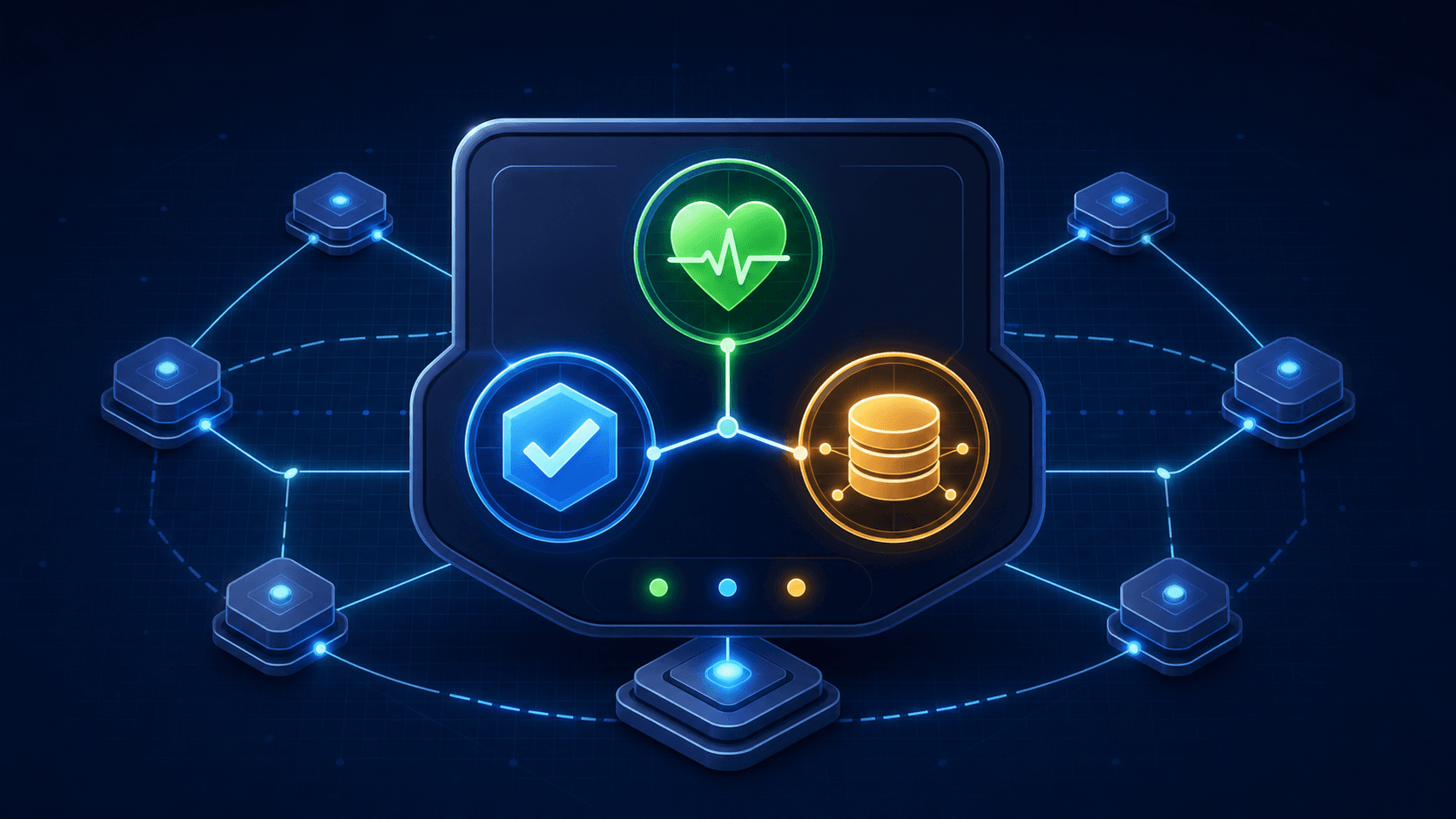
Give each health check one clear job
Platforms use health signals to make high-impact decisions: whether to restart a container, route a new request, or wait for a deployment to complete. A single endpoint that says “healthy” without defining its meaning turns a transient database slowdown into either unnecessary restarts or traffic sent to an instance that cannot serve it.
Liveness
Answers whether the Node.js process and its event loop are alive enough to keep running. Keep it local, fast, and independent of remote systems.
Readiness
Answers whether this instance should receive new traffic. It can include the small set of dependencies required for the request paths it serves.
Startup
Answers whether initialization has completed. Use it when migrations, caches, or model loading take longer than a normal probe window.
Keep endpoints small, explicit, and inexpensive
Expose separate endpoints such as /health/live and /health/ready, restrict detailed diagnostics to authenticated internal access, and return a minimal stable response to public probes. Health endpoints should not create a connection, execute a costly query, or perform an unbounded fan-out on every request.
let acceptingTraffic = false;

app.get("/health/live", (_req, res) => {
  res.status(200).json({ status: "ok" });
});

app.get("/health/ready", async (_req, res) => {
  const databaseReady = await checkDatabaseWithTimeout(250);
  const status = acceptingTraffic && databaseReady ? 200 : 503;
  res.status(status).json({ status: status === 200 ? "ready" : "not_ready" });
});

initialize().then(() => {
  acceptingTraffic = true;
});
Use a timeout shorter than the platform probe timeout, return failure when the check itself times out, and make the endpoint cheap enough that probe traffic cannot become its own source of load. Add a response header or internal-only diagnostic field with the release identifier, but never include secrets, connection strings, or raw dependency errors.
Probe dependencies with a failure budget
Readiness should reflect the ability to complete meaningful work, not perfect health across every integration. Classify dependencies first. A primary database may be critical for a transactional API; an analytics vendor usually is not. For optional systems, keep serving a reduced experience and record the degradation instead of removing the instance from traffic.
- Check only critical dependencies on the readiness path.
- Use a bounded, representative operation such as a lightweight query or pooled connection validation.
- Cache probe outcomes briefly and share in-flight work so many probes do not stampede a dependency.
- Set connection, query, and total-check time budgets; cancel underlying work when supported.
- Return a small status surface externally and retain detailed reasons in safe logs and metrics.
Dependency checks complement, but do not replace, bulkheads, timeouts, and fallbacks in request handling. Our Node.js circuit-breaker guide explains how to stop an unhealthy dependency from consuming all available capacity after traffic is accepted.
Use readiness to make deploys and shutdowns graceful
On startup, keep readiness false until the server has completed only the work required to serve safely. On shutdown, flip readiness false first so the load balancer stops sending new work, then finish a bounded drain of in-flight requests before closing servers and pools. This sequence makes an instance unavailable for new traffic before it becomes unavailable to existing traffic.
Test the sequence in the environment where your service runs: a rolling deployment, an abrupt dependency failure, an overloaded event loop, and a termination signal during a slow request. Combine endpoint status with request rate, error rate, latency, restart count, and dependency saturation. The tracing and alert design in our Next.js observability guide helps connect a failed readiness check to the request path that caused it.
For the Node.js shutdown side of this contract, use the patterns in our zero-downtime deployment guide. A health endpoint is useful only when it is paired with deliberate lifecycle behavior.
Node.js health-check checklist
✓ Liveness checks only local process health
✓ Readiness means the instance can safely take traffic
✓ Startup work has a separate, bounded signal when needed
✓ Critical dependency probes have short timeouts
✓ Probe results avoid dependency stampedes
✓ Optional dependency failures degrade gracefully
✓ Shutdown removes readiness before draining work
✓ Health transitions are observable and tested
Build Node.js services that recover cleanly
Endurance Softwares helps teams build resilient Node.js and Next.js applications with practical observability, deployment safety, and production-ready architecture.