


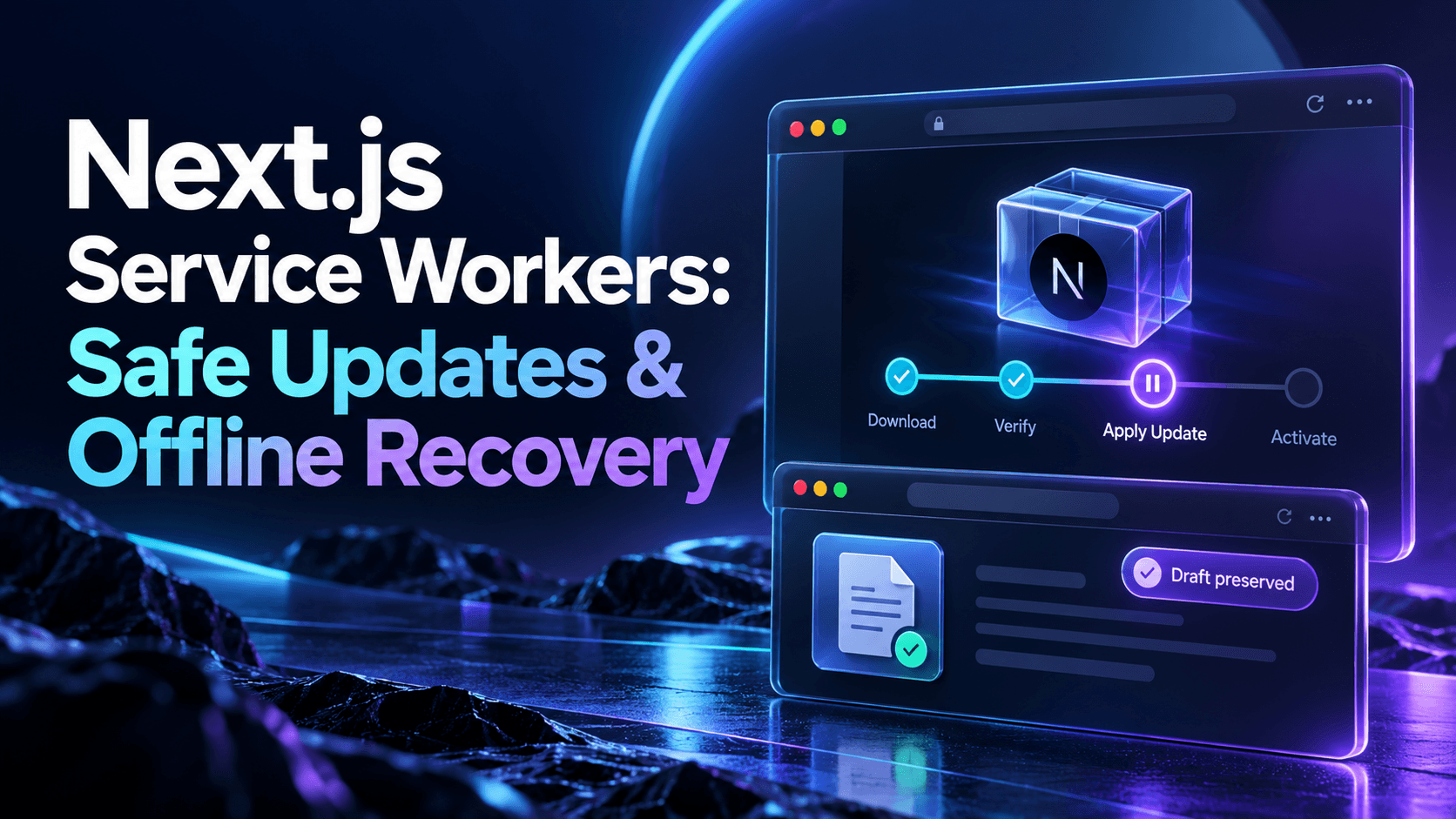
Define what offline actually promises
List the screens and operations that may work without a connection. Reading a previously cached public help page is different from editing a customer record or submitting a payment. Show a clear offline state instead of allowing a generic cached success screen to imply that a server mutation completed.
Start with a narrow cache policy. Do not cache authenticated API responses, session pages, or tenant-specific documents by default. Decide how logout, workspace switching, and shared devices affect browser storage; an offline feature must not expose one account's material to the next person.
Treat the worker as a deployed application component
Track a worker release identifier and cache names alongside the application build. Static assets with content-derived URLs can have long lifetimes, while navigation documents need a policy that avoids indefinitely serving an obsolete entry point. Cache Storage and HTTP caching are separate layers with different invalidation behavior.
Keep deployment order intentional. A new navigation document must not point at assets already removed from the origin, and an old tab may still request an older chunk. Decide how long releases remain compatible and which infrastructure layer retains old assets during the transition.
Understand waiting before forcing activation
A newly installed worker can wait while an existing worker controls open clients. That is useful protection against changing behavior halfway through a session. Do not call skipWaiting indiscriminately simply to make updates appear immediate.
Present an update-ready notice and let the user save work before choosing to reload. Coordinate the transition around the worker lifecycle and controller changes, not a blind timeout. A second tab may still be mid-task, so define whether your application coordinates tabs or accepts a documented mixed-version period.
Protect drafts without pretending they were submitted
Keep durable local drafts separate from confirmed server state. Store a schema revision and record identity with each draft, and define expiry, account scope, and migration behavior. If an update changes the form schema, reject or migrate old drafts explicitly rather than applying them silently.
An offline mutation queue requires its own idempotency, conflict, authorization, and retry policy. Recheck permissions and current record version when reconnecting. For sensitive or irreversible operations, an honest reconnect-to-submit message may be safer than automatic background replay.
Clean up caches after compatibility is understood
Delete obsolete caches according to an explicit release policy. Removing every old cache at activation can break older clients that still depend on those assets. Keeping all releases forever creates storage pressure and makes recovery behavior harder to reason about.
Handle missing cache entries and storage eviction as normal possibilities. Offline content is best-effort browser state, not your authoritative backup. Provide a useful fallback for unsupported routes and avoid converting an authorization or server error into a misleading offline page.
Build a recovery path for a bad worker release
Test how an operator can deploy a corrected worker at the same registration location and how users can obtain it. Keep the recovery route as independent as practical from the broken cached shell. Document the limits of unregistering: it does not automatically remove every stored response or immediately replace already controlled pages.
Measure worker release adoption, update failures, offline navigation failures, and client/server compatibility errors using non-sensitive identifiers. When support asks a user to clear local data, explain whether that also removes unsent drafts.
Exercise multiple tabs and interrupted updates
Test an old tab left open through deployment, two tabs with different activity, a failed asset download, an offline first return, expired login, evicted caches, and logout while offline. Validate both a fresh install and an upgrade from the previous production worker.
Add the worker path and cache headers to deployment checks. Review framework and plugin behavior for the installed versions instead of assuming a PWA plugin manages every lifecycle decision. Release offline support gradually and keep a practical rollback exercise in the deployment runbook.
Check the underlying platform guidance
Use the MDN service-worker lifecycle guidance alongside application-specific testing and review.
Build a more dependable Next.js application
Endurance Softwares helps teams design, build, test, and operate production-ready Next.js platforms.