


Choose a table before inventing a grid
Use a semantic HTML table for read-oriented rows and columns. Give it a meaningful caption and mark header relationships explicitly. A column of prices should remain understandable when a screen reader navigates into an individual cell, not only when a sighted reader scans the screen.
An ARIA grid is a different interaction contract, not a styling shortcut. Adopt it only when the product needs spreadsheet-like interaction and the team can implement its keyboard model. Ordinary links, buttons, and checkboxes inside a table are often simpler and more predictable.
Make each row control independently understandable
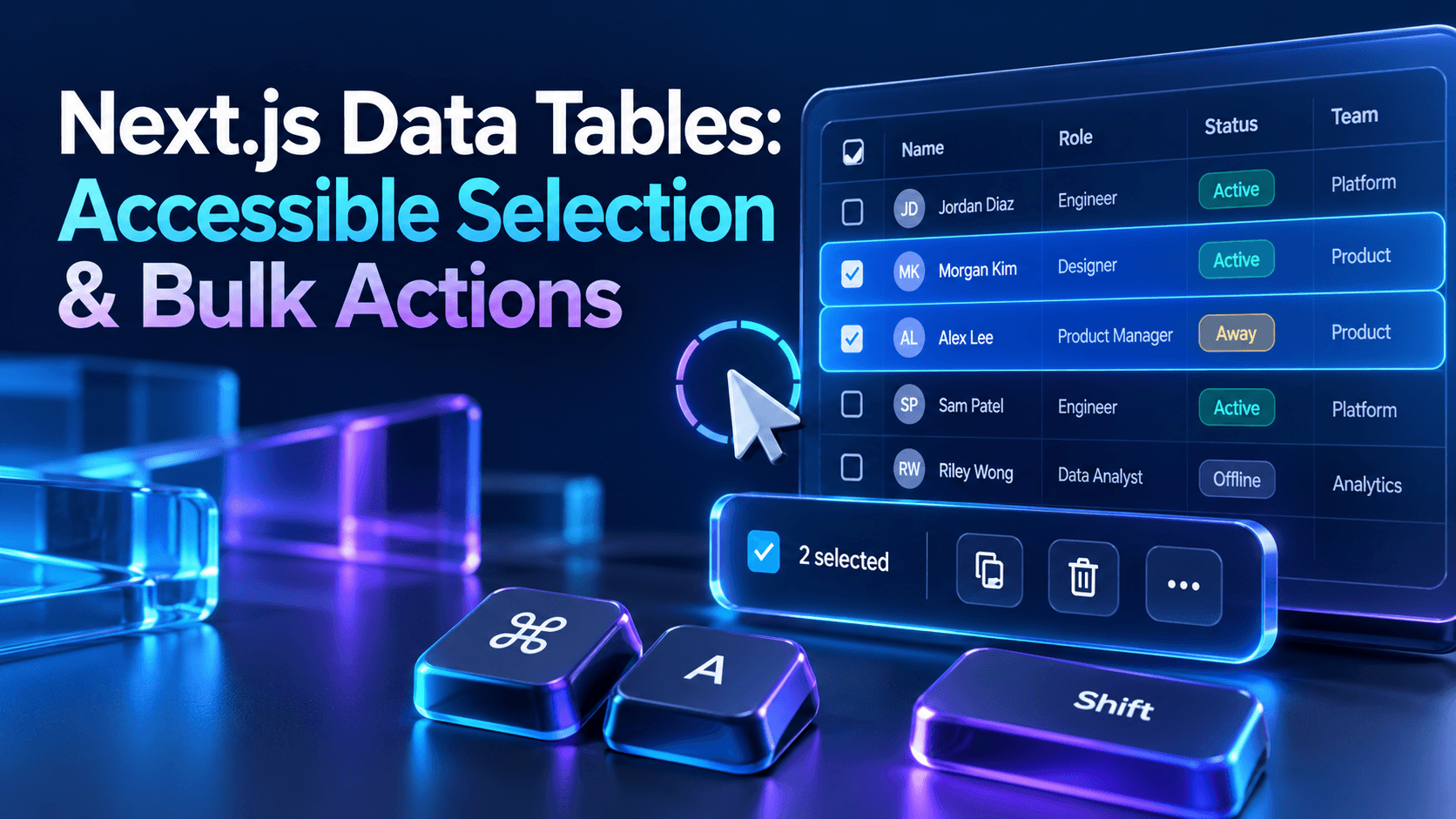
Label a selection checkbox with the record identity, such as Select invoice INV-204, rather than repeating Select row everywhere. Keep navigation links separate from selection controls. A row-wide click handler should not intercept text selection, nested buttons, or a keyboard user's activation of a specific control.
Expose selected state through native controls and text, not a colored background alone. Provide a visible focus indicator. Keep destructive actions named and deliberate; a tiny unlabeled icon that changes meaning on hover is especially difficult to operate on touch devices and with assistive technology.
Separate this page from all matching results
A header checkbox needs an explicit scope: select the visible page, not an unknown set of records somewhere on the server. If users can select all matching results, show that as a separate intentional action with a count, active filter summary, and clear way to cancel.
Choose whether changing filters clears the selection or preserves a frozen selection snapshot. Explain that choice before execution. Use stable record IDs rather than row indexes, and never allow a sort operation to transfer selection to whichever record occupies the old position.
Keep sorting and pagination predictable
Place a labeled button inside each sortable header and expose the active direction on the relevant header. Preserve the selected sort and filter state in navigable URLs where useful, while validating incoming query values. A refresh should not mysteriously return an operator to a different working set.
Keep the previous page readable while fetching when appropriate, but mark that the results are updating. Avoid moving focus into the table on every successful fetch. When a deleted last row makes the current page invalid, navigate to a valid page and communicate the change.
Report bulk progress without flooding announcements
Show the number selected beside the action toolbar, the action being performed, and whether work is still pending. Announce concise meaningful changes through an appropriate status region rather than reading every row update. Keep live announcements separate from the visual progress details.
After partial completion, distinguish succeeded, skipped, and failed records. Offer a scoped retry of failures, not an ambiguous repeat of the entire operation. If the focused action button disappears after completion, move focus to a sensible result heading or persistent control rather than leaving it lost.
Preserve relationships on smaller screens
Horizontal scrolling can preserve a genuine table better than turning every cell into an unrelated card. Give the scroll area a useful accessible name and make keyboard access workable. Keep key identifiers available so a user can associate an action with the correct record.
Virtualization changes what exists in the document. Test row counts, focus retention, and screen-reader navigation with the actual library before enabling it. For many business tables, server pagination with stable controls is easier to make reliable than an aggressively virtualized grid.
Test the workflow with realistic data
Test keyboard-only selection, sorting, page changes, a slow response, empty results, duplicate record labels, long text, and partial bulk failure. Confirm that the currently focused element remains visible when sticky headers or toolbars appear.
Use automated checks for common markup issues, then manually test reading order and interaction with assistive technology. Check authorization separately: a hidden bulk button does not protect the endpoint. The accessible interface and the server's permission rules must describe the same available action.
Check the underlying platform guidance
Use the W3C table accessibility tutorial alongside application-specific testing and review.
Build a more dependable Next.js application
Endurance Softwares helps teams design, build, test, and operate production-ready Next.js platforms.